Accessibility Statement
How this site works with assistive technology, what still falls short, and how to tell me.
Last updated: 21 August 2026
This site should be usable by everyone, including people who browse with a screen reader, a keyboard, magnification, or reduced motion. This page sets out what has been done towards that, what I know is imperfect, and how to tell me when something gets in your way.
The standard I am aiming at
The target is the Web Content Accessibility Guidelines (WCAG) 2.1, Level AA. I aim to conform to it rather than claim I already fully do, because this is a hand-built site maintained by two people and honest words are more useful to you than a badge.
What is in place
- A skip link. Pressing Tab on any page offers “Skip to content” before the navigation, so keyboard users are not walked through the whole menu on every page.
- Visible focus. Every interactive element shows a gold outline when it receives keyboard focus, so you can always see where you are.
- Keyboard operation. The navigation, the gallery, the image lightbox, the course filters and the forms are all operable without a mouse. The lightbox traps focus while open and returns it when closed.
- Screen reader support. Menus, filters and the lightbox carry the appropriate roles and state, and content that updates without a page reload — the gallery’s load-more, the newsletter’s reply — is announced rather than changing silently.
- Text alternatives. Photographs that carry meaning have descriptions; purely decorative images are marked so a screen reader skips them instead of reading out a filename.
- Reduced motion. If your system is set to reduce motion, the scroll animations and transitions are switched off.
- Structure and contrast. Pages use real headings in order, the language is declared, and text is set on backgrounds chosen for contrast rather than only for looks.
- Scaling. The layout reflows down to small screens and holds together when text is enlarged, and form fields are sized so mobile browsers do not force a zoom.
Where it falls short
Being straight with you about the known gaps:
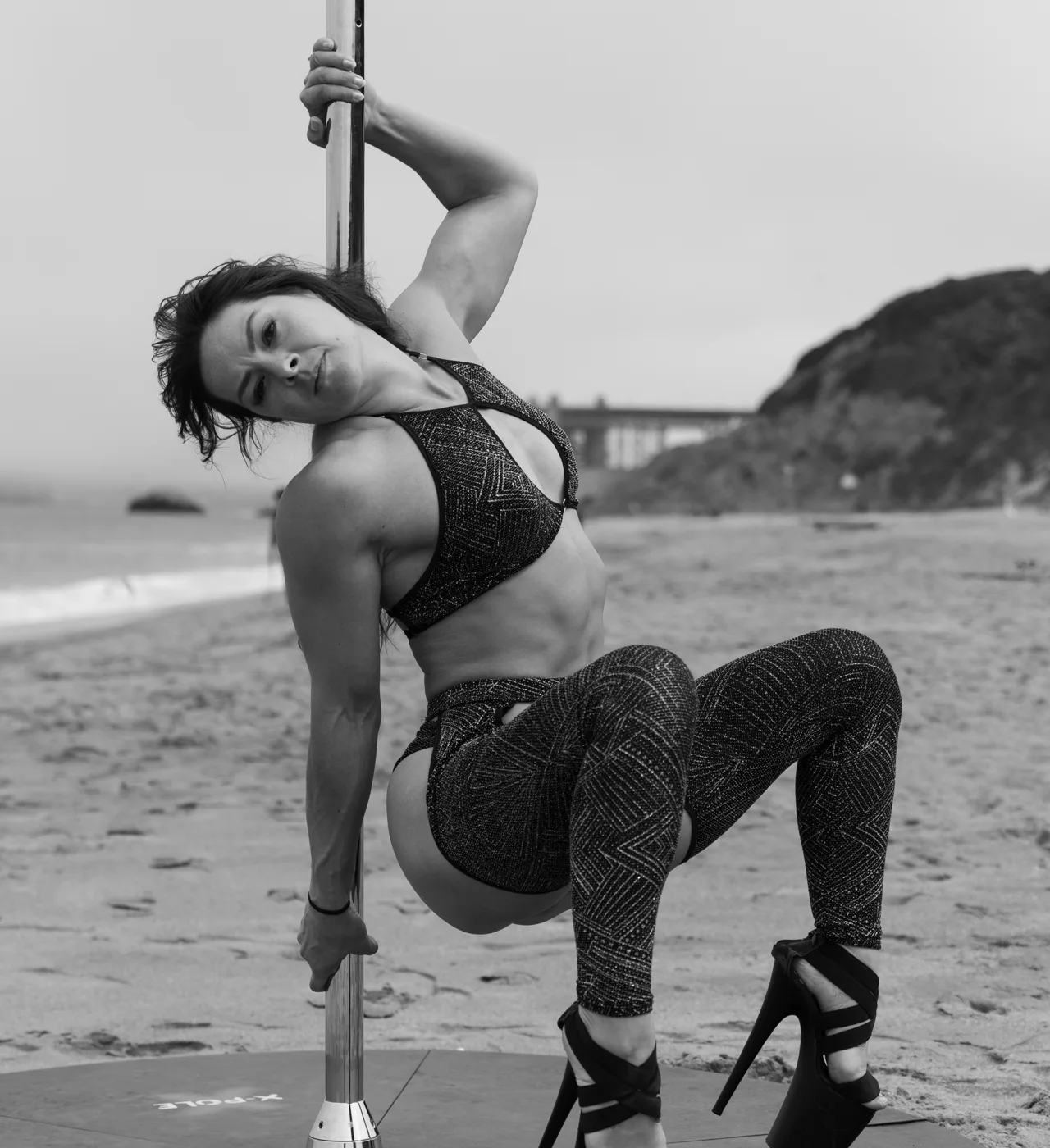
- Photography on this site is styled to appear in black and white until you hover over it. That is a deliberate design choice, but it means colour is doing some of the visual work, and I am keeping an eye on whether it reads well at low vision.
- Some video is hosted on third-party platforms whose players I do not control, so their captioning and keyboard behaviour are theirs, not mine. Captions are not yet available on all video.
- The Instagram strip on the homepage is pulled live from Instagram, and the descriptions come from the original posts, so their quality varies.
- The map uses an interactive third-party component. The same information — studios, cities and dates — is always available as text elsewhere on the page, so nothing depends on being able to use the map.
These are on the list. If one of them is what is blocking you, say so and it moves up.
Training with a disability or an injury
Beyond the website: if you want to train with me and there is something I should know or work around — an injury, a chronic condition, limited mobility, a hearing or vision difference, anything at all — please tell me when you get in touch rather than waiting until the first lesson. Private lessons are built around the individual dancer anyway, so this is a normal part of planning rather than a special request.
I teach at a number of studios that I do not own, so I cannot promise a particular venue is step-free or has accessible changing rooms. What I can do is find out before you commit, and tell you honestly what a given space is like. Ask me and I will check.
Tell me when something does not work
If any part of this site stops you doing what you came to do, I want to hear about it — it is the only way most of these things get found.
Please use the contact form, and if you can, include the page you were on, what you were trying to do, and what you were using to browse — a screen reader and its version, keyboard only, magnification. Even a rough description helps.
I will reply, and if the fix is small it usually ships within a few days. If it is bigger, I will tell you what I am doing about it and roughly when. If the website itself is the barrier, the contact form is not your only option — reach me by direct message on any of the social channels linked in the footer, and that reaches me just as well.
How this is kept up
The site is built by hand, without a page builder, which means accessibility is something written into the templates rather than bolted on by a plugin or an overlay. There is no accessibility widget on this site on purpose: overlays tend to sit on top of problems rather than fix them, and often make things worse for the assistive technology you already have configured the way you like it.
Accessibility gets reviewed when the site changes, and this page is updated when the picture changes. The date at the top tells you when that last happened.
Contact
Polina Zueva
St. Petersburg, Florida, United States
polinazueva.com
Contact form
Ready to transform your pole training?
Pick the program that matches where you are right now — and get a clear plan for the next twelve weeks.